Make Your Mobile Number As Not Reachable!
No need to remove SIM or Battery
Make Your Mobile Number As Not Reachable!We sometimes don’t want to receive calls at a particular time. But the caller understands that we are not receiveing call.
So make your phone as unreachable and the caller will think that its a network problem. No need of removing sim card! Lets start the game!
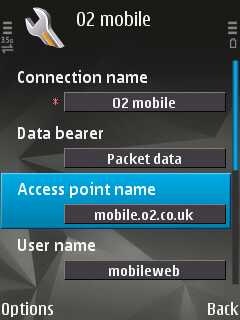
Go to Menu> Settings> Phone> Operator selection> Manual! Now your phone will search for available operators. Select any other network except your own network (i.e. If you are using Airtel, select vodafone in). You’ll get an error message No network access! Now look at the signal bar. It is empty! But dont press back. If you press back, the phone will capture signal again. If any caller call you then, he will hear that your phone is out of network range! This trick works on almost every phone.